

Welcome to The Purrz Ambassador Program! 🎉 We are SO excited to have you on the team, and we’re looking forward to helping you grow as an ambassador.
To get you caught up to speed as quickly as possible, we wrote this quick article which explains all the steps you need to take to set up your Buzzbassador account and start earning money!
What to Do Once Accepted
First, welcome to the Purrz team! Not everyone gets accepted into the Purrz Ambassador Program, so give yourself a pat on the back 😄
Below are the next steps you need to take to get started:
-
Check your acceptance email
You will receive an email with your unique referral code and personal discount code. -
Check your account setup email
Look for an email from noreply@app.buzzbassadorapp.com titled Set your password. It contains a button to the Buzzbassador dashboard. Click it and set your password to activate your account.
-
Explore the Buzzbassador dashboard
You’ll find an overview of your sales, payment history, referral codes, and ambassador perks. It's easy to use!
-
Copy your affiliate link and start selling
At the bottom of the dashboard, you’ll find your unique affiliate link. Share it with others—it automatically applies your discount code during checkout.
-
Connect your PayPal account
Buzzbassador pays via PayPal. If you don’t already have an account, create one at paypal.com. Enter your PayPal email under Payout settings (click the gear icon in the top right).
-
Watch your earnings grow!
Go to the My earnings tab on the left of the dashboard to track your income from ambassador activity!
This article is general veterinary education and does not diagnose or treat an individual animal. Always confirm medication names, doses and interactions with the veterinarian who knows your pet.
If your animal is struggling to breathe, collapsed, bleeding heavily, seizing, or has eaten something toxic, contact your vet or the nearest emergency clinic now.
Animal Poisons Helpline (AU) 1300 869 738 · Animal Poisons Helpline (NZ) 0800 869 738 · ASPCA Animal Poison Control (US) (888) 426-4435
More from Ask A Vet
The GPS pet tracker logs live location and activity trends, the smart pet ID tag is a QR scan or NFC tap on any phone with a free profile you can update anytime, and the Ask A Vet app keeps your pet's records and routines together.
 Dog & Cat GPS Tracker for Their CollarView tracker
The ASK A VET™ Tracker logs live location and activity trends, so a change in routine never goes unnoticed.
 QR Code Dog & Cat ID Tag with NFC, HangingView ID Tag
The ASK A VET™ Smart ID Tag is a QR scan or NFC tap on any phone, no app needed, with a free profile you can update anytime.
 Talk to a Vet Online: The Ask A Vet AppExplore the app
Ask questions, speak with vets, and keep your pet's records and routines together with Ask A Vet.
- Ambassador
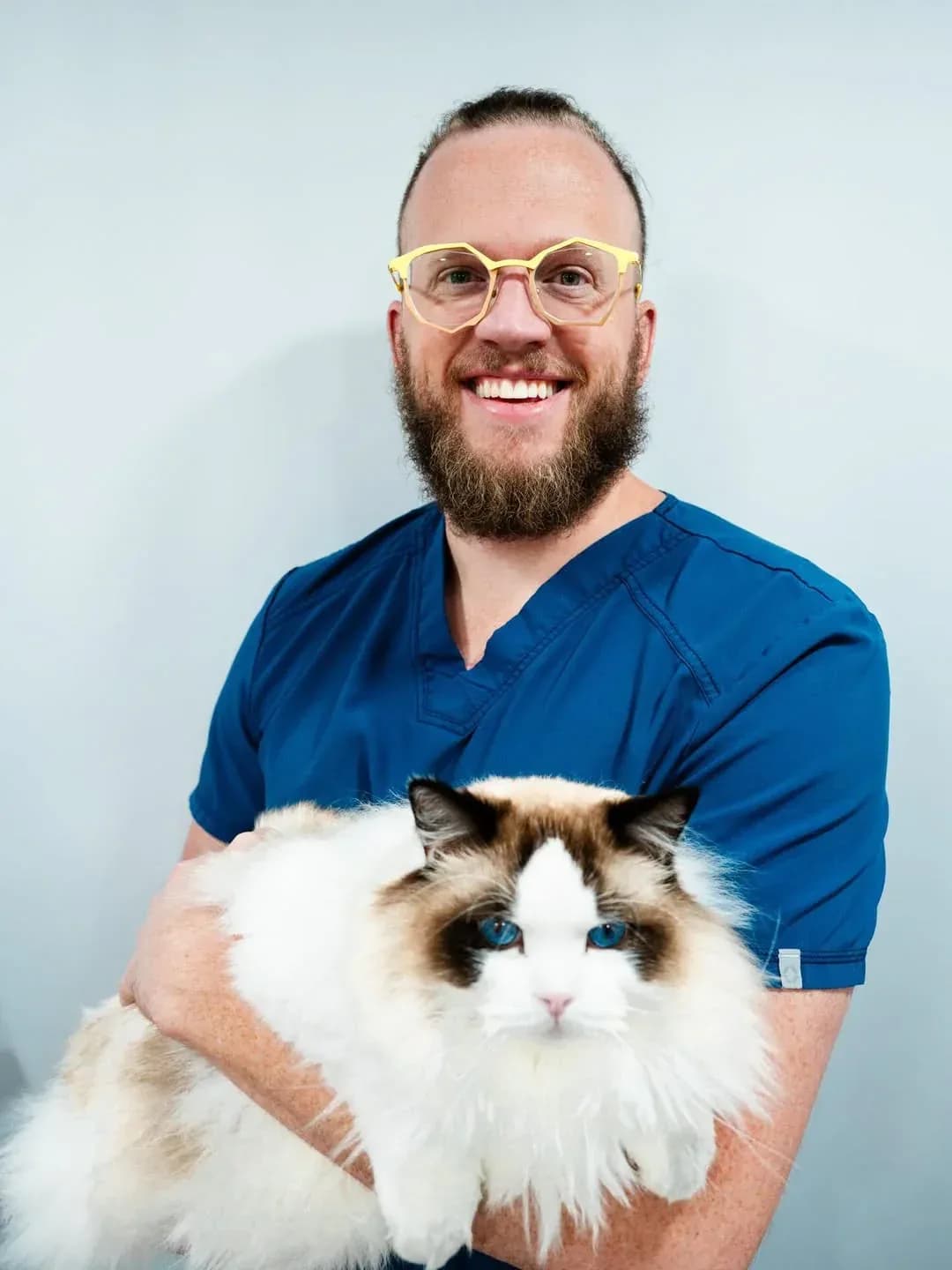
Ask A Vet articles are written by Dr Duncan Houston BVSc, a practising veterinarian, unless another author is named in the byline.